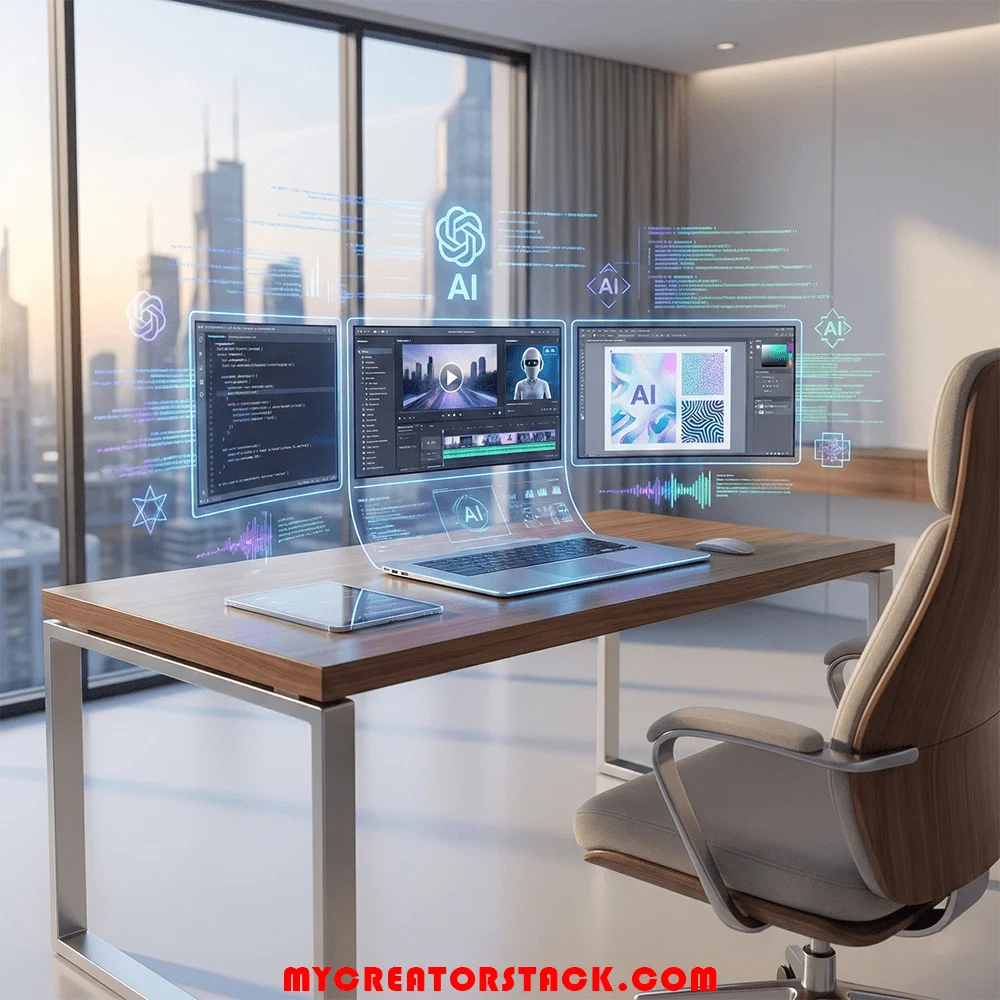
Whether you are a designer, writer, or developer, these are the best AI tools for freelancers in 2026 to help you work faster and land more clients.
Freelancing in 2026 is faster, more competitive, and more opportunity- driven than ever before. Clients’ expectations are high-quality work, Fast processing times, and clear communication— often all together. This is where AI tools come in; they are required, not optional
Today’s freelancers don’t just compete with individuals in their local area. They compete globally. The smartest freelancers are the ones who know how to implement AI. Working smarter, not harder.
In this guide, you will discover the best AI tools for freelancers in 2026, and how they assist in saving time, improving quality, and increasing productivity and income— it doesn’t matter what freelance field you are in.
Why You Need the Best AI Tools for Freelancers in 2026
AI tools help freelancers solve three major problems:
- Time pressure
- Creative burnout
- Growing competition
Instead of taking the place of human creativity, modern AI tools support and improve it. They automatically handle repetitive work, create ideas faster, and polish them to a professional level.
Freelancers can, by using AI, effectively:
- Deliver projects faster
- Handle more clients
- Improve consistency
- Focus on creative and strategic tasks
That is why AI is a part of almost every successful freelancer’s workflow.
How This List Was Created
The following criteria were considered for selecting the tools:
- User-friendliness
- Genuine productivity enhancement
- Affordable for freelancers
- Applicable in various industries
- Relevance over time
No matter if you are a writer, designer, marketer, developer, consultant, or content creator, this list includes really helpful tools for you.
1. ChatGPT: Your Everyday AI Assistant
ChatGPT has evolved into one of the most versatile tools for freelancers. It works as a writing assistant, idea generator, problem solver, and production partners.
What it helps with:
- Blog writing and editing
- Client emails and proposals
- Brainstorming ideas
- Explanation of complex topics clearly
- Rewriting material for clarity and tone
Instead of starting from scratch, freelancers can produce strong drafts in minutes and improve them into high-quality final work.
ChatGPT is particularly useful for freelancers who serve multiple clients, where the writing style must change quickly.
2. Jasper AI– Professional Content and copywriting
Jasper AI is designed for freelancers who focus on marketing, SEO, and conversion- based content.
Best Utilized For:
- Blog articles
- Landing pages
- Sales copy
- Email campaigns
- Product descriptions
It offers built- in tone control and an SEO- friendly structure, making it ideal for freelancers who want content that is well-written and converts readers into customers.
Jasper is especially useful when working with brands that require polishing and persuasive writing.
3. Synthesia – AI Video Creation Without the Use of a Camera
The dominance of video content on digital platforms persists; however, some freelancers do not want to take the risk of being on camera. Synthesia provides a solution as it is able to convert text into pro videos with the help of AI avatars.
Recommended for:
- Explainer videos
- Training courses
- Product showcase
- Marketing clips
- Presentations to clients
You just have to craft a script, pick an avatar and a voice, and then a high-quality video will be created in minutes. This means that there are new service options for freelancers without the need to purchase filming equipment.
4. Canva AI – Design Made Simple and Fast
Canva has grown into a comprehensive creative platform with advanced AI functionalities incorporated.(check out my breakdown of the best professional design software this year)
What freelancers use it for:
- Social media graphics
- Presentations
- Brand kits
- Marketing visuals
- Basic video editing
AI-based design hints and text composition make it possible for non-designers to create high-quality visuals, while giving designers a hand to finish their mundane tasks faster.
This is regarded as one of the most indispensable tools for freelancers dealing with visual content.
5. Notion AI – Smart Workspace for Freelancers
Notion AI helps you turn your notes, docs, and projects into a smart, neat, and organized system.
Some of the features that come in handy are:
- AI-powered writing and summarizing
- Planning and managing tasks
- Creating and sharing documents with clients
- Making and managing content calendars
- Managing knowledge
Rather than using several tools at once, freelancers can manage their workflow in one tool. This is particularly beneficial for the case of long-term or multi-client projects.
6. Descript – AI Audio and Video Editing
By using Descript, the editing of audio and video becomes very simple because it allows freelancers to handle the media in a way similar to that of a text document.
The most important advantages are:
- Automatic removal of filler words
- Instant mistake cutting
- Easy captions addition
- Podcasts and videos are edited more quickly
This tool is a favorite among podcasters, video editors, and content creators who want professional results without complex editing software.
7. Murf AI – Impressive AI Voiceover
Murf AI generates natural-sounding voiceovers suitable for professional use.
Most common services rendered by freelancers:
- Narration of videos
- Making of explainer videos
- Marketing through ads and promos
- Educational materials
Voice actors are often costly, and the whole process can take a long time. Murf empowers freelancers to create audio content in a fast way, while retaining the quality.
8. Tome – AI Presentations and Storytelling AI
Tome is an app that aids freelancers in converting their ideas into structured presentations and visual stories.
The app is perfect for:
- Client presentations
- Proposals for a project
- Portfolios display
- Documentation for internal use
Tome makes it easy for freelancers to speak through text, images, and storytelling structure, thus clarifying and presenting their ideas in a professional way.
9. Mixo – AI Landing Pages and Startup Ideas
Mixo is a great choice for freelancers who are creating personal brands, offering services, or selling digital products.(read my complete comparison of the top AI website builders.)
How it works:
- Creates landing pages
- Composes headlines and text
- Gathers email subscribers
- Conducts fast idea testing
This instrument is a must for freelancers who are looking to go a step further than client projects and create their own digital assets.
10. GitHub Copilot – AI Assistant for Coding
Developers have found GitHub Copilot to be an indispensable tool.
Ways it assists:
- Real-time code suggestions
- Lessens monotonous coding
- Assists in error correction
- Enhances the writing of manuals
It not only shortens the time needed for development , but also lets professionals concentrate on the logic and architecture rather than the syntax.
11. Otter.ai & Fireflies – AI Meeting Notes
Freelance work entails a lot of client calls. These software programs transcribe conversations and make summaries automatically.
The advantages are:
- Precise documentation of the meeting
- The ability to monitor action items
- Improved engagements
- Saving time
This is a great help for freelancers who have to handle remote clients and several projects at the same time.
12. Pictory & Lumen5 – AI Social Video Creation
The demand for short videos is not going down. Moreover, these providers offer to make visually appealing videos from blog posts or scripts.
Ideal for:
- Content for social media
- Marketing allows short films
- Videos designed to promote
Freelancers are enabled to transform written works into videos quickly and without having to possess advanced editing skills.
How to Select the Correct AI Instruments
Every freelancer does not require all the tools. The optimal method is to begin with a small scale.
In case you are a newbie:
- ChatGPT
- Canva AI
- Notion AI
When it comes to content creators:
- Jasper AI
- Descript
- Synthesia
For programmers:
- GitHub Copilot
- Otter.ai
- Mixo
Initially, pick out the tools that will help you with your major issues.
Top Recommendations for AI Utilization by Freelancers
- Consistently go through and make improvements to the AI output
- AI should be your creative companion, not a substitute
- Let your individuality and creative signature shine
- If necessary, disclose the use of AI to your clients
- Assure the clients of the quality of work, not just the speed of delivery
Human insight is still a requirement for clients. AI only allows you to convey it more effectively.
Final Thoughts
By 2026, freelancers with the biggest success are not long-hour working ones but the ones using smart ways of working.
For one, the AI tools will be a great help to freelancers:
- Time saving
- Quality improvement
- Services expansion
- Earning potential increase
The main thing is to learn the technique of using AI in your workflow in a way that is both thoughtful and ethical.
In case you start using the right tools today, you will not only be able to grow and scale, but also be in a better position to compete in the future of freelancing.
(Disclaimer: The information given in the article is for information purposes only, and the information is based on personal opinions and research. MyCreatorStack is not responsible for any decisions made based on the information given in the article. The links given in the article are affiliate/advertising links.)

Sandaru is a senior graphic designer with over 5 years of experience in brand identity, digital design, and creative workflows. He founded Mycreatorstack to help designers and freelancers navigate AI tools, design software, and the evolving creator economy — without the hype.
Leave a Reply