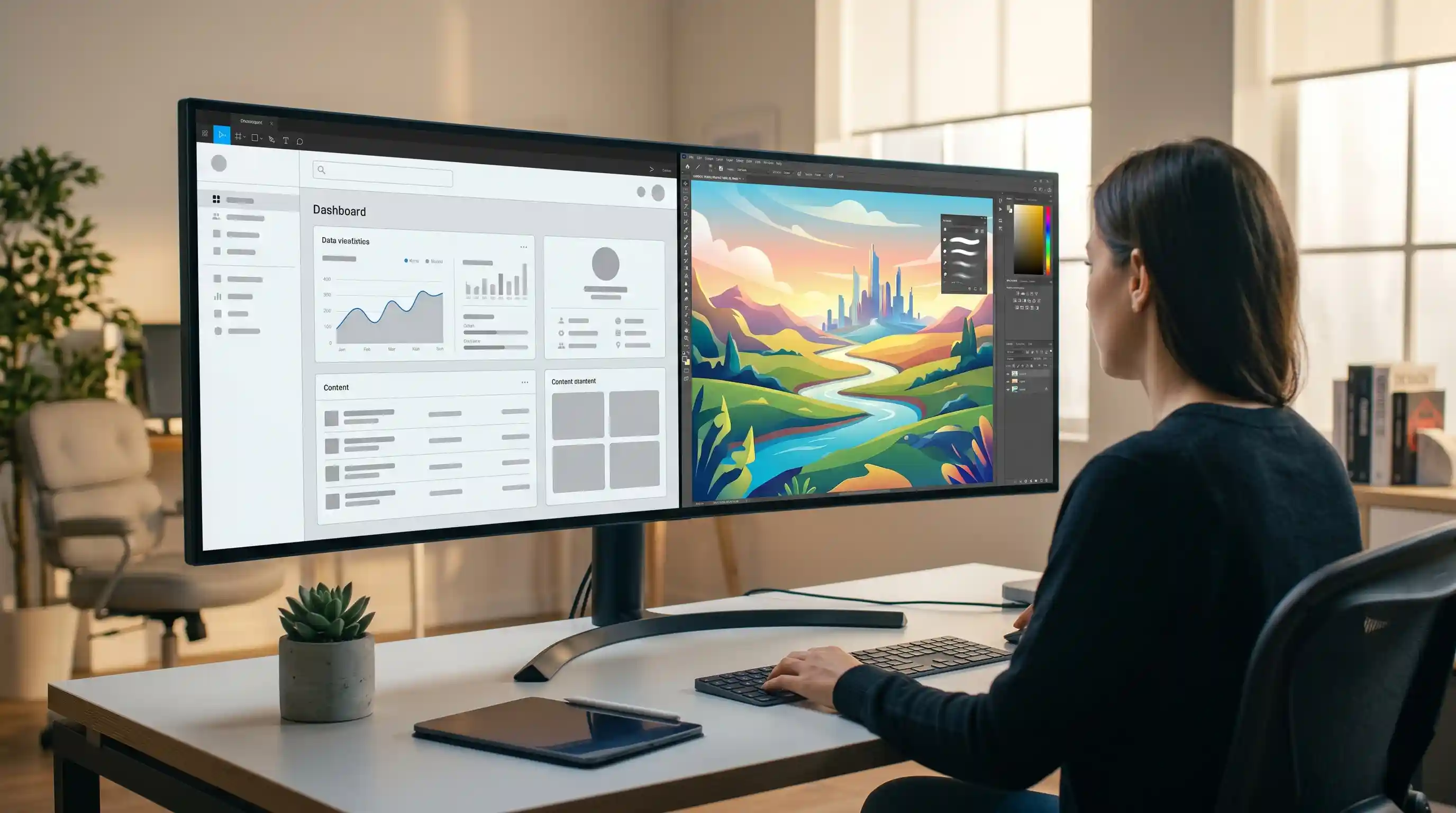
In the debate of Figma AI vs Adobe Firefly, which design tool wins in 2026? We compare their features and workflows for UI/UX and graphic design.
The debate around AI for graphic design has gone way past the phase of text-to-image fun experiments. With the significant improvements on both platforms in 2025 and 2026, we’ve narrowed it down to the final clash of the titans: Figma AI vs. Adobe Firefly.
There’s no need for press releases anymore – what designers really need is to get their hands dirty with the two. Both platforms are so tailored towards their purposes that the solutions can be considered specialized. However, they target completely different issues in the creative process.
For an online entrepreneur, freelancer, or professional agency person, picking the right platform for oneself is important in maintaining efficiency without compromising quality. With this platform review, you can easily figure out which one to concentrate on, which one fits in with your work style, and if its pricing model suits you
Figma AI vs Adobe Firefly: Fixing Workflow Friction
As early generative AI hit the market, it carved out a fragmented path through the workflow. Designers would have to leave their work environment, open a browser-based AI generator application, create some prompts, download the results, and import them back into their design process manually.
This led to wasted professional time. Today, the problem is not in finding an AI that can produce results; the problem lies in finding an AI that can integrate smoothly into your existing workflow. The AI should understand the context of the canvas you’re designing on, whether it be an intricate interface of a mobile app or a high-resolution vector image meant to be printed on clothing.
This led to wasted professional time. Today, the problem is not in finding an AI that can produce results; the problem lies in finding an AI that can integrate smoothly into your existing workflow. The AI should understand the context of the canvas you’re designing on, whether it be an intricate interface of a mobile app or a high-resolution vector image meant to be printed on clothing.
The Solution: Context-Aware Integrated AI
In 2026, the direction to go will be contextually aware AI. It is clear that both Figma and Adobe understand that AI should be native to the design space.
We should weigh the two options on the grounds of where their strengths lie. Figma AI is better at designing products, UX, and layout structures, whereas Adobe Firefly does well in making visual assets, editing photos, and creating vectors.
We should weigh the two options on the grounds of where their strengths lie. Figma AI is better at designing products, UX, and layout structures, whereas Adobe Firefly does well in making visual assets, editing photos, and creating vectors.
Figma AI: The Product Designer’s Co-Pilot

The focus of AI abilities in Figma has been towards the UI/UX design process, and the improvements expected in 2026 have enabled it to get rid of all the unnecessary, boring, redundant operations involved in creating a digital product.
Advantages:
- Instant Generation of Layout: The “Make Designs” function enables users to make requests for whole UI designs (“a dashboard for a personal finance app,” for instance) and get structured, customizable auto-layout frames rather than plain images in return.
- Automatic Organization: Renaming and organizing hundreds of layers in a project is something done automatically and immediately in Figma AI.
- Quick Population with Content: Dummy text and avatars will be instantly placed inside your designs without requiring you to use “Lorem Ipsum”.
Disadvantages:
- Lack of Asset Generation: Not designed for generating digital art, illustrations, or vector graphics, which are intricate enough to stand alone.
- Lack of Style Diversity: UI designs created by the AI could be quite similar to each other and lack a personal touch.
Adobe Firefly: The Visual Creator’s Engine
Adobe Firefly follows a unique path by incorporating AI into Photoshop, Illustrator, and its web-based application. The features in the 2025-2026 versions focus on commercial safety and sophisticated vector editing capabilities.
Advantages:
- Commercial Safety: With training on Adobe Stock and public domain data, Firefly provides better options for freelance artists who deal with corporate clients in America, Britain, and Europe.
- Advanced Vector Editing Capabilities: In Illustrator, Firefly allows you to create completely editable and scalable vector graphics based on textual input, which includes separate paths and color groups.
- Perfect Raster Graphics Compositing: The Generative Fill and Expand tools in Photoshop provide unmatched features for compositing, modifying lighting conditions, and extending background areas.
Disadvantages:
- Lack of User Interface Development: Even though it helps in creating graphic elements for any application, Firefly cannot help in designing the interface of the software itself.
- Subscription-based Platform: To utilize all features of Firefly in your work process, you must have access to Adobe Creative Cloud subscriptions.
Real-World Application
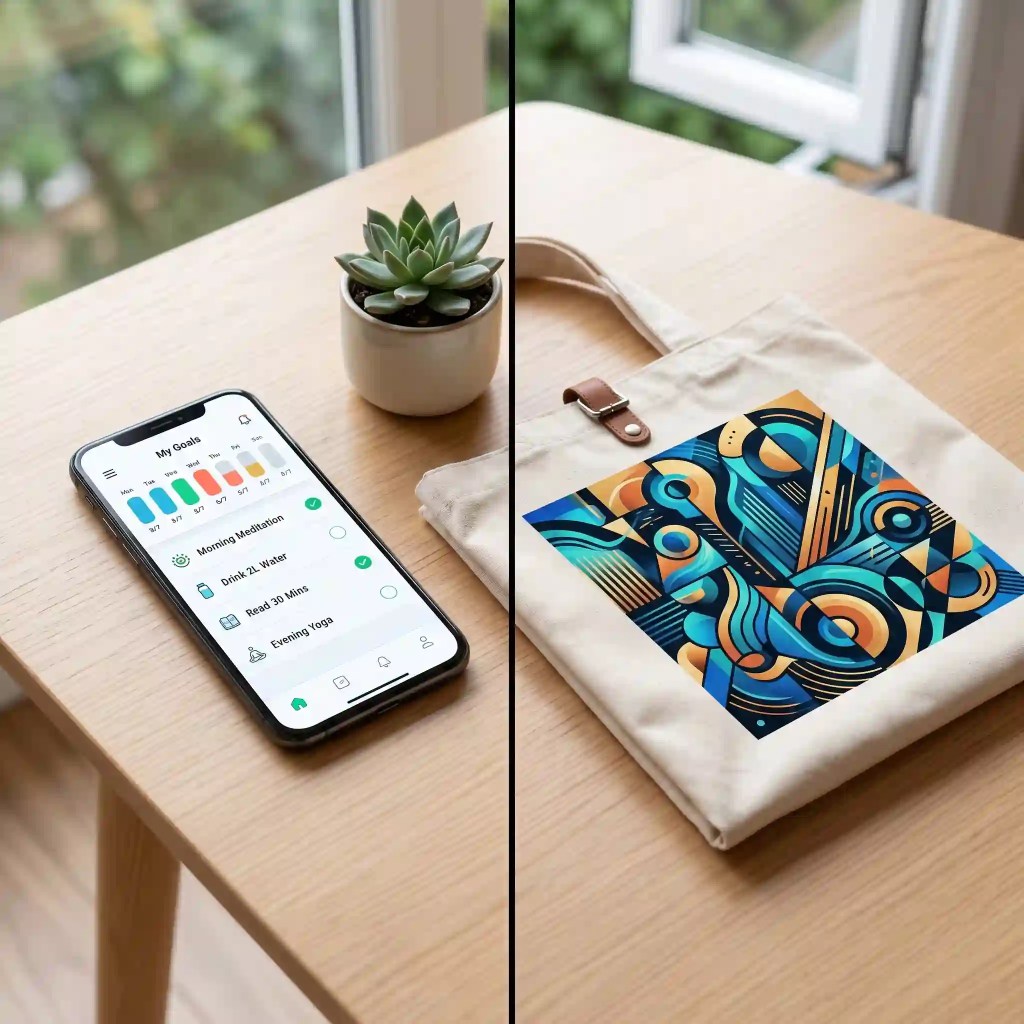
In order to fully comprehend the differences between the tools, consider the following two situations that might occur when working on freelancing projects.
Situation A: Creating a React Native Mobile App
As you design the interface for the new habit-tracking application, your task is to draft interfaces for the user profiles, daily streaks, and settings. Figma AI is the better pick in this situation since you can create prompts for the layouts, let the AI enter some realistic data in the fields, and automatically make everything workable in a prototype.
As you design the interface for the new habit-tracking application, your task is to draft interfaces for the user profiles, daily streaks, and settings. Figma AI is the better pick in this situation since you can create prompts for the layouts, let the AI enter some realistic data in the fields, and automatically make everything workable in a prototype.
Situation B: Designing Custom Merchandise
Now, imagine that you have a collaboration with a client who wishes to create a collection of eco-friendly bags or sportswear with stylish designs. The challenge is to come up with appealing and easily scalable designs with proper color management. Generative Vector in Illustrator will be a good match in this situation thanks to fast brainstorming.
Now, imagine that you have a collaboration with a client who wishes to create a collection of eco-friendly bags or sportswear with stylish designs. The challenge is to come up with appealing and easily scalable designs with proper color management. Generative Vector in Illustrator will be a good match in this situation thanks to fast brainstorming.
Common Mistakes to Make Sure You Avoid
- Using a tool that is unfit for the purpose: Using Figma AI for creating complicated marketing visualizations, or using Adobe Firefly to design website navigation.
- Being content with the first thing you get: AI is a means to an end. The biggest mistake that a novice designer might make is to not go any further than AI-generated UI or vector graphics and leave them untouched.
- Overlooking the license details: Not making sure whether your AI is licensed to be used commercially, if you need to do so for your client’s project. That is one reason why Firefly stands out.
Conclusion
In the debate of Figma AI vs Adobe Firefly in 2026, there is no single overall winner—only the right tool for your specific discipline.
For those who work on digital product development, web design, and UI/UX in apps, Figma AI becomes their best friend, which will save them countless hours of working time. Those whose focus is on branding, graphic design, and creating composite images should use Adobe Firefly to create all visual assets.
The workflow of a modern digital entrepreneur may include both applications: first, you will need to create basic assets using Firefly, and then arrange these elements in the Figma layout enhanced by AI capabilities.
Which workflow do you prefer in your AI activities in 2026? Do you work mainly with UI/UX or create visual assets? Please share your thoughts in the comment section below.
(Disclaimer: The information given in the article is for information purposes only, and the information is based on personal opinions and research. MyCreatorStack is not responsible for any decisions made based on the information given in the article. The links given in the article are affiliate/advertising links.)

Sandaru is a senior graphic designer with over 5 years of experience in brand identity, digital design, and creative workflows. He founded Mycreatorstack to help designers and freelancers navigate AI tools, design software, and the evolving creator economy — without the hype.
Leave a Reply